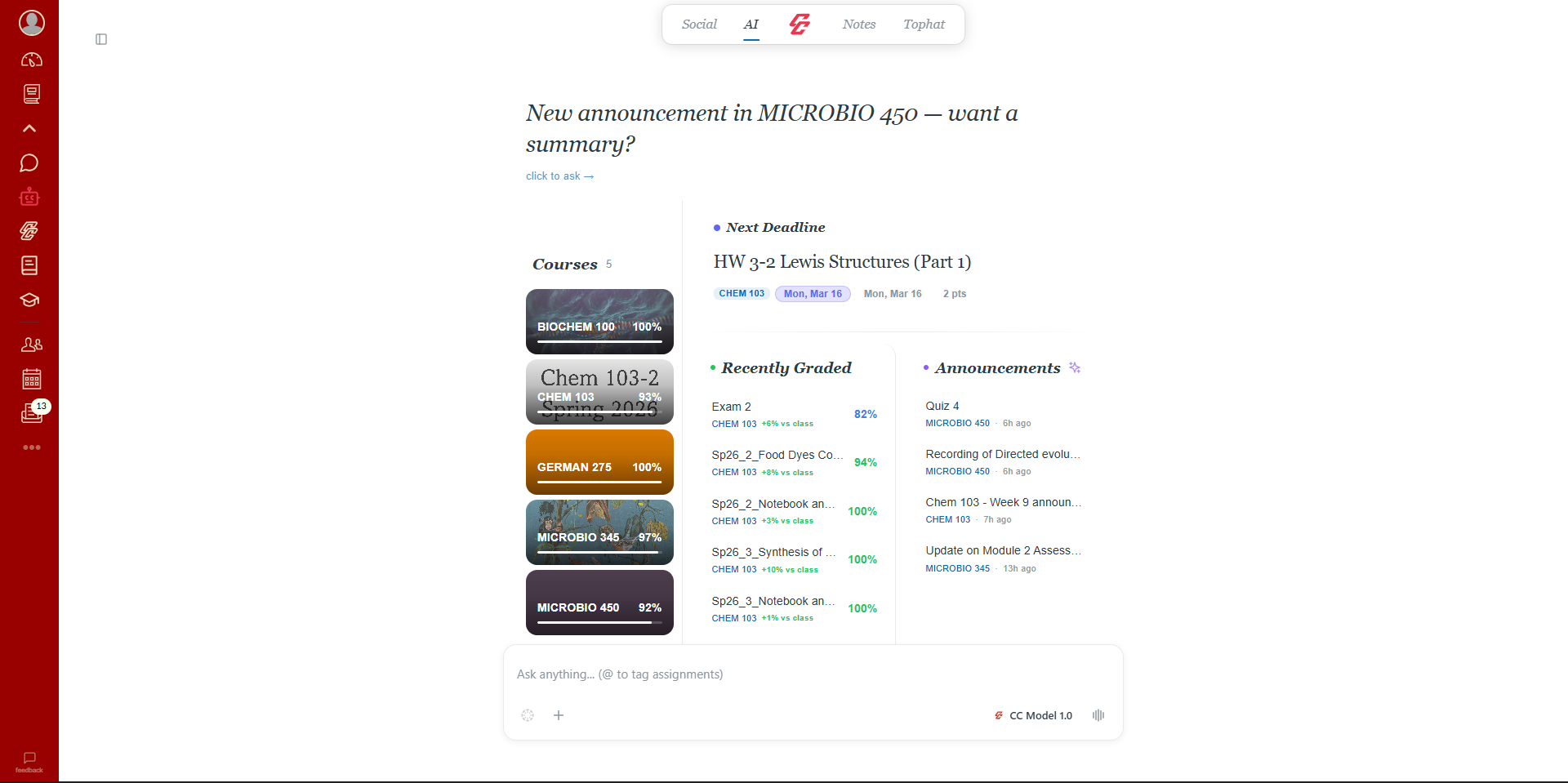
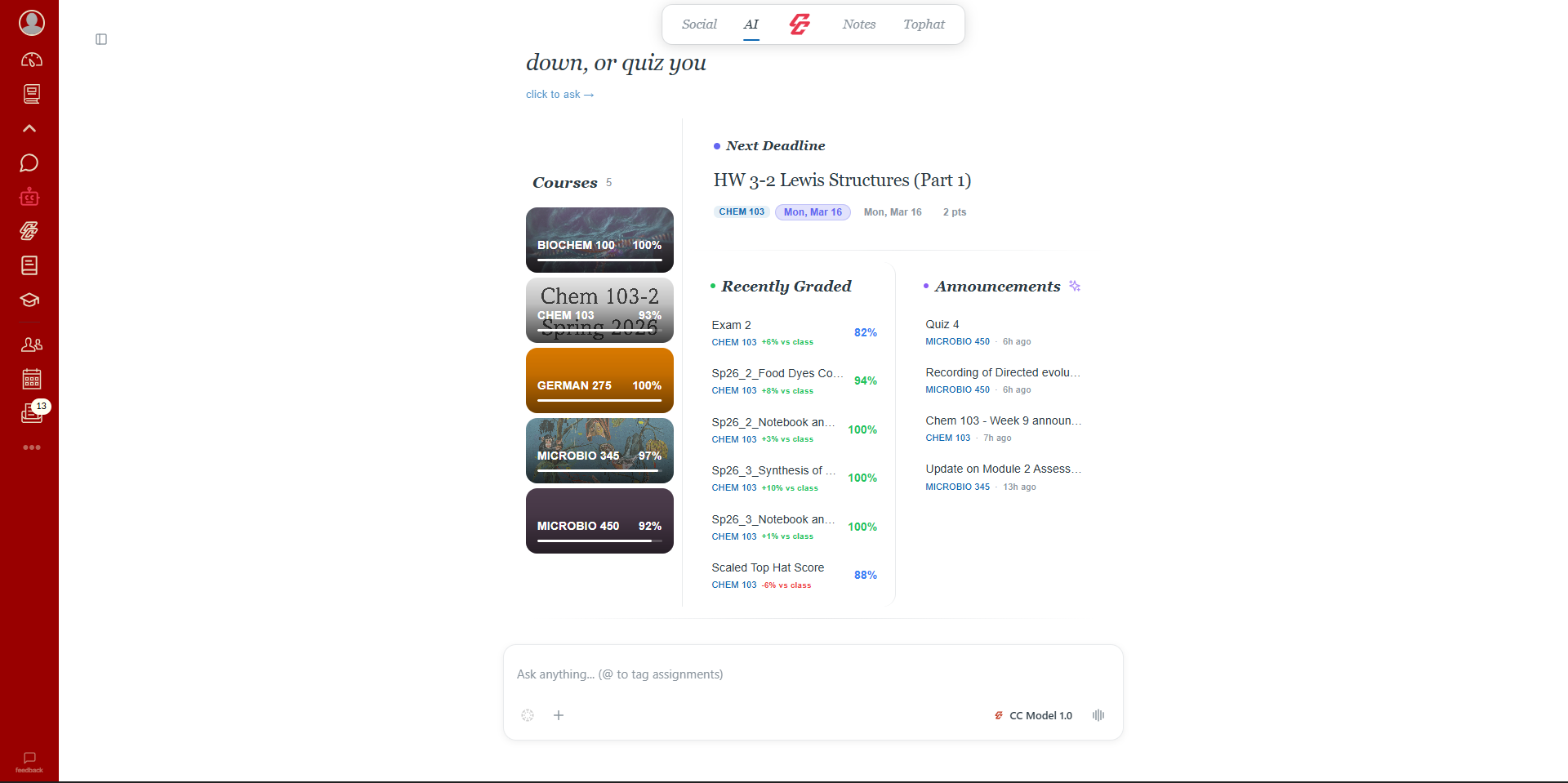
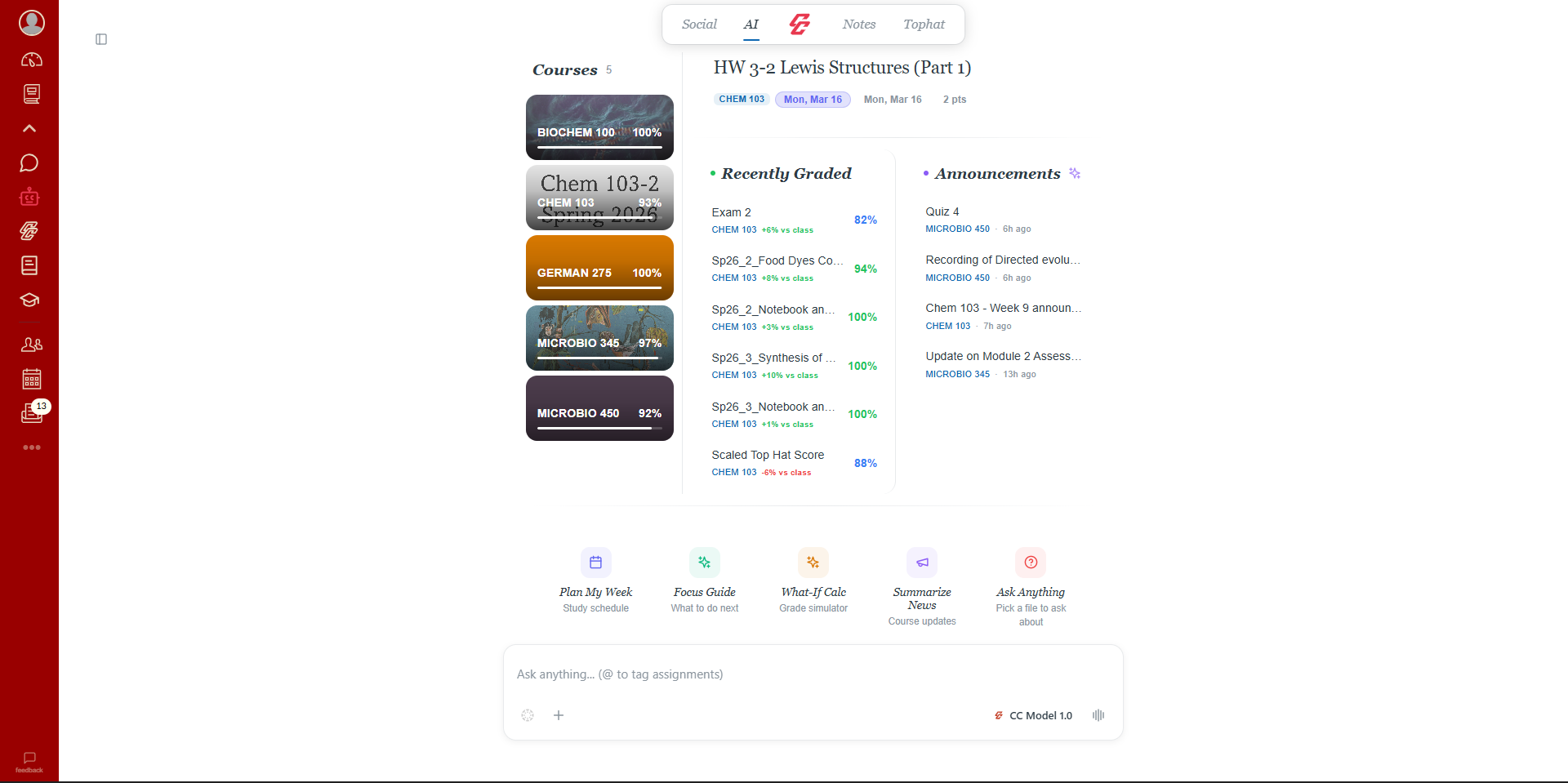
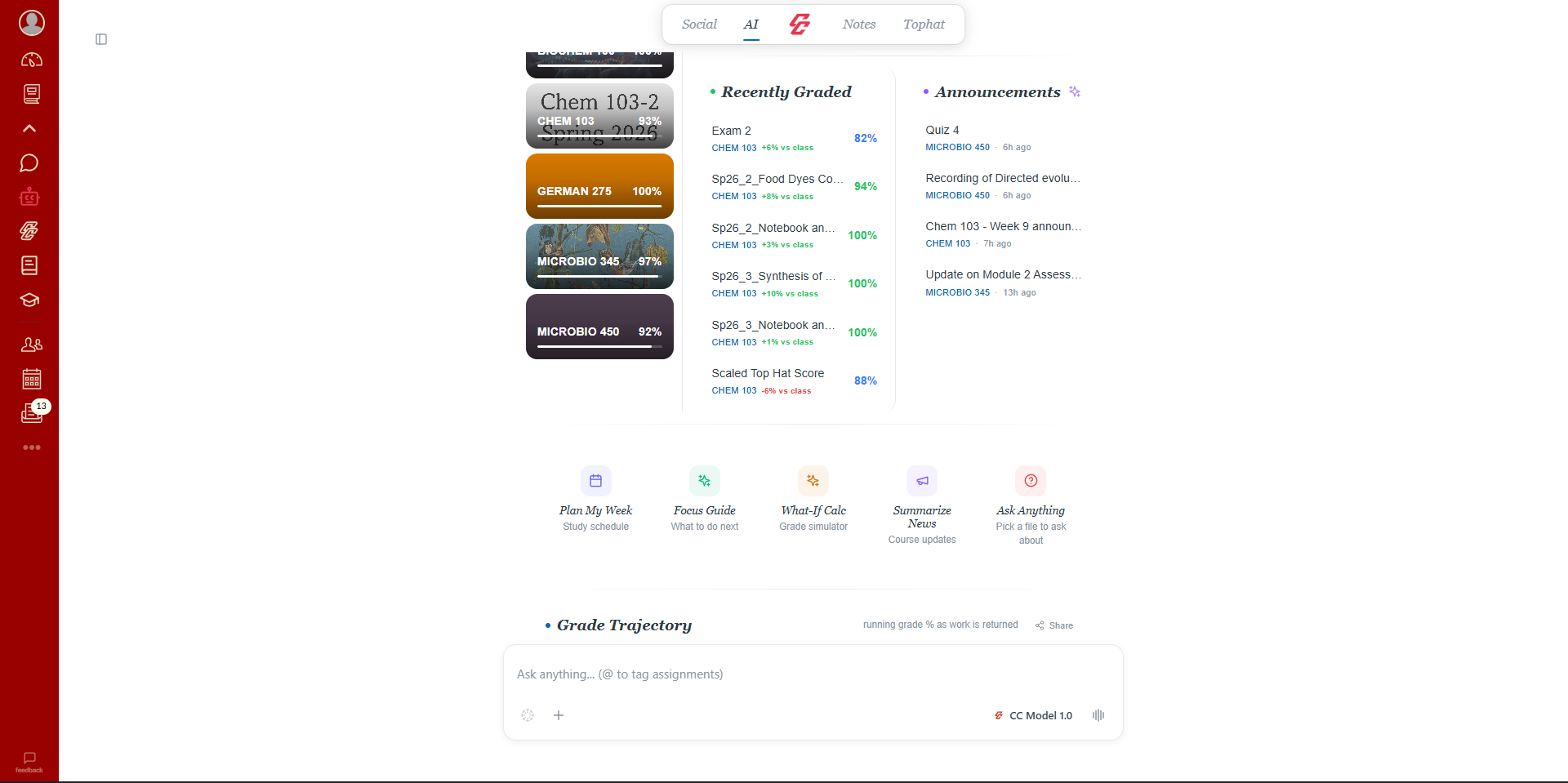
Core Features
Everything you need, built in.
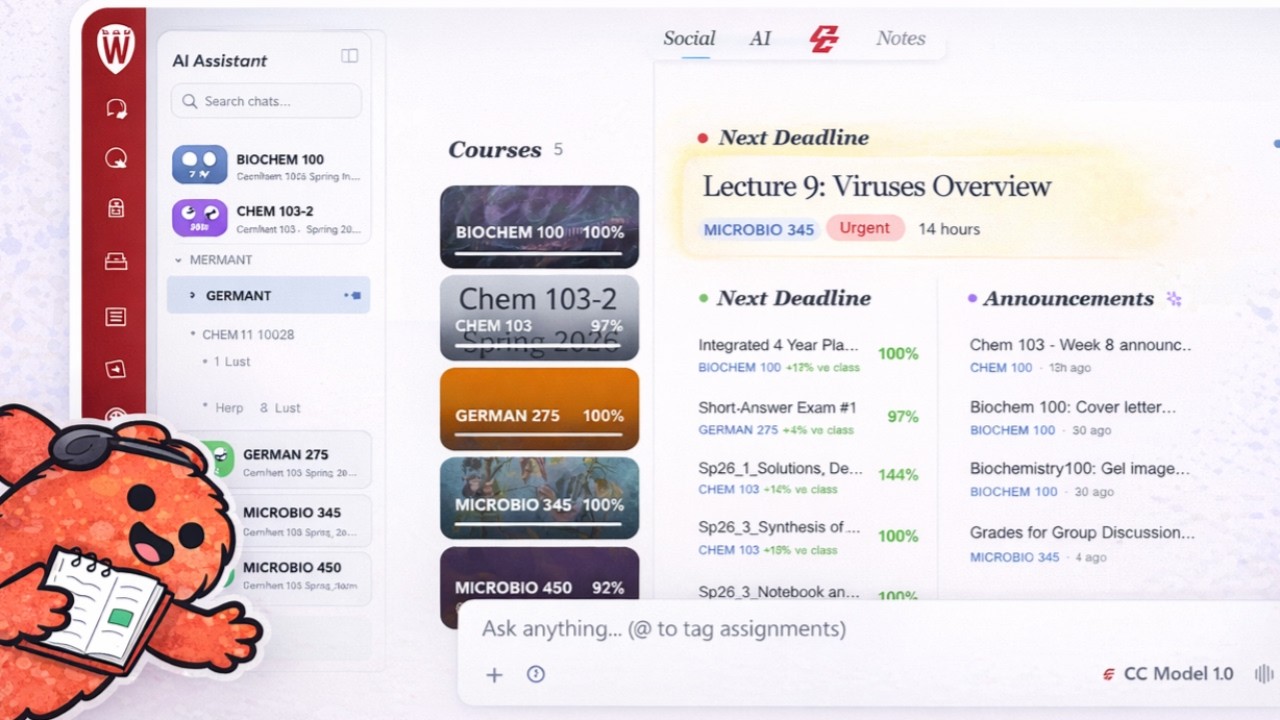
Class Group Chats
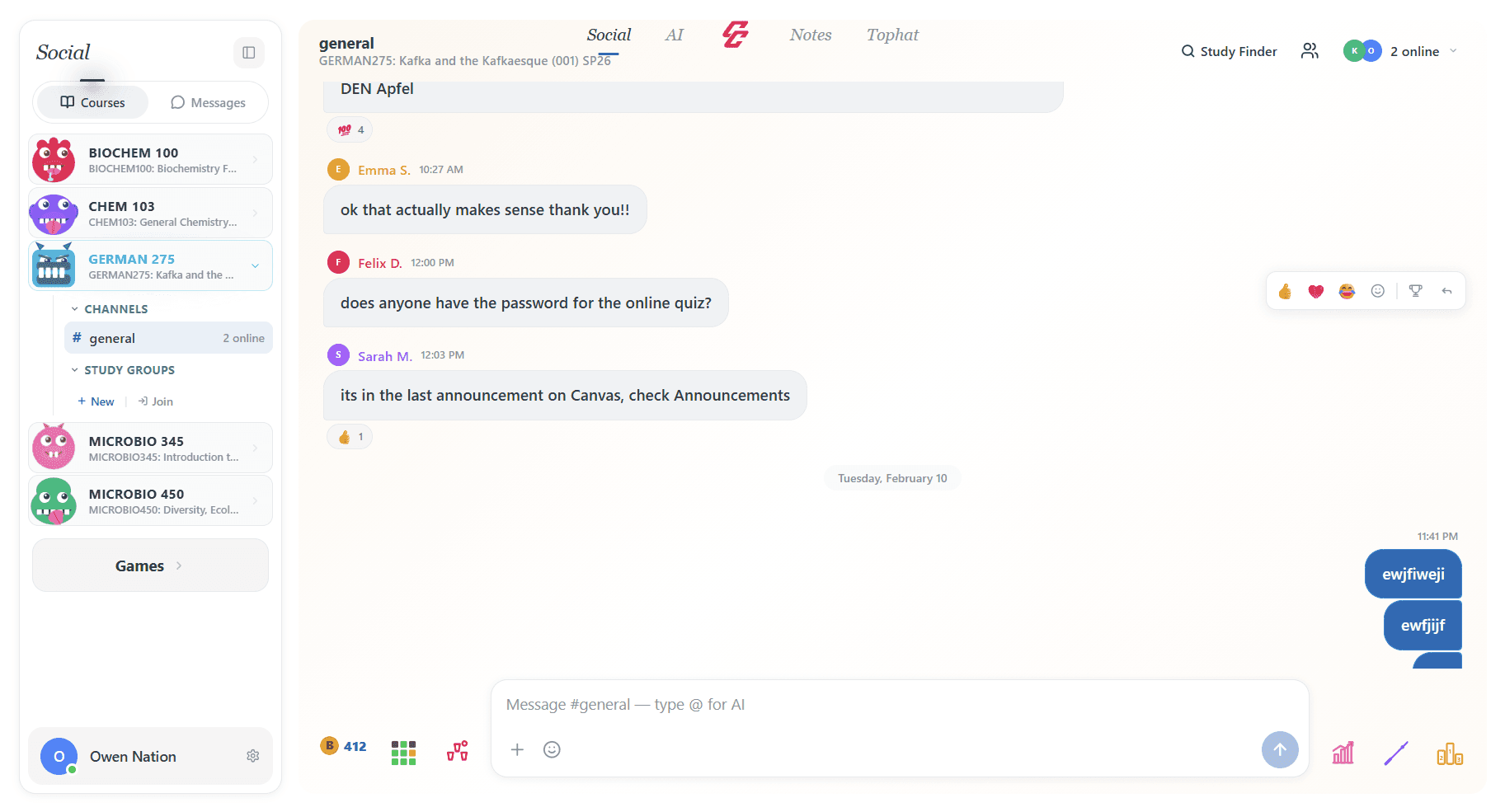
Auto-created chat rooms for every course. Reactions, polls, anonymous Q&A, and @CampusBot, all built in.
Every File, One Search
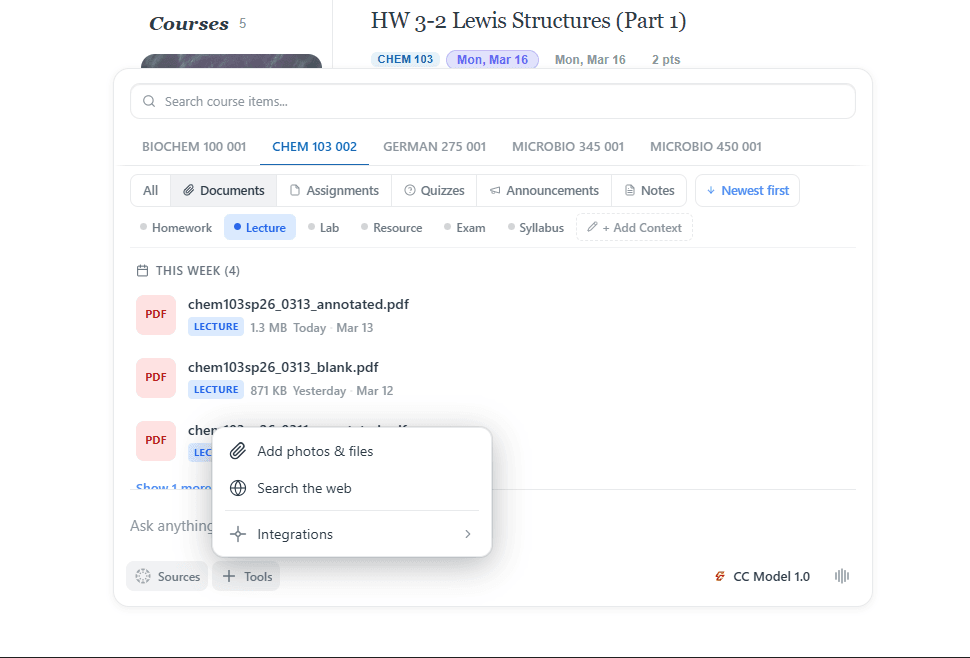
Every single file from every course. Lectures, homework, exams, syllabi, all searchable and tagged in one place. No more digging through Canvas modules.
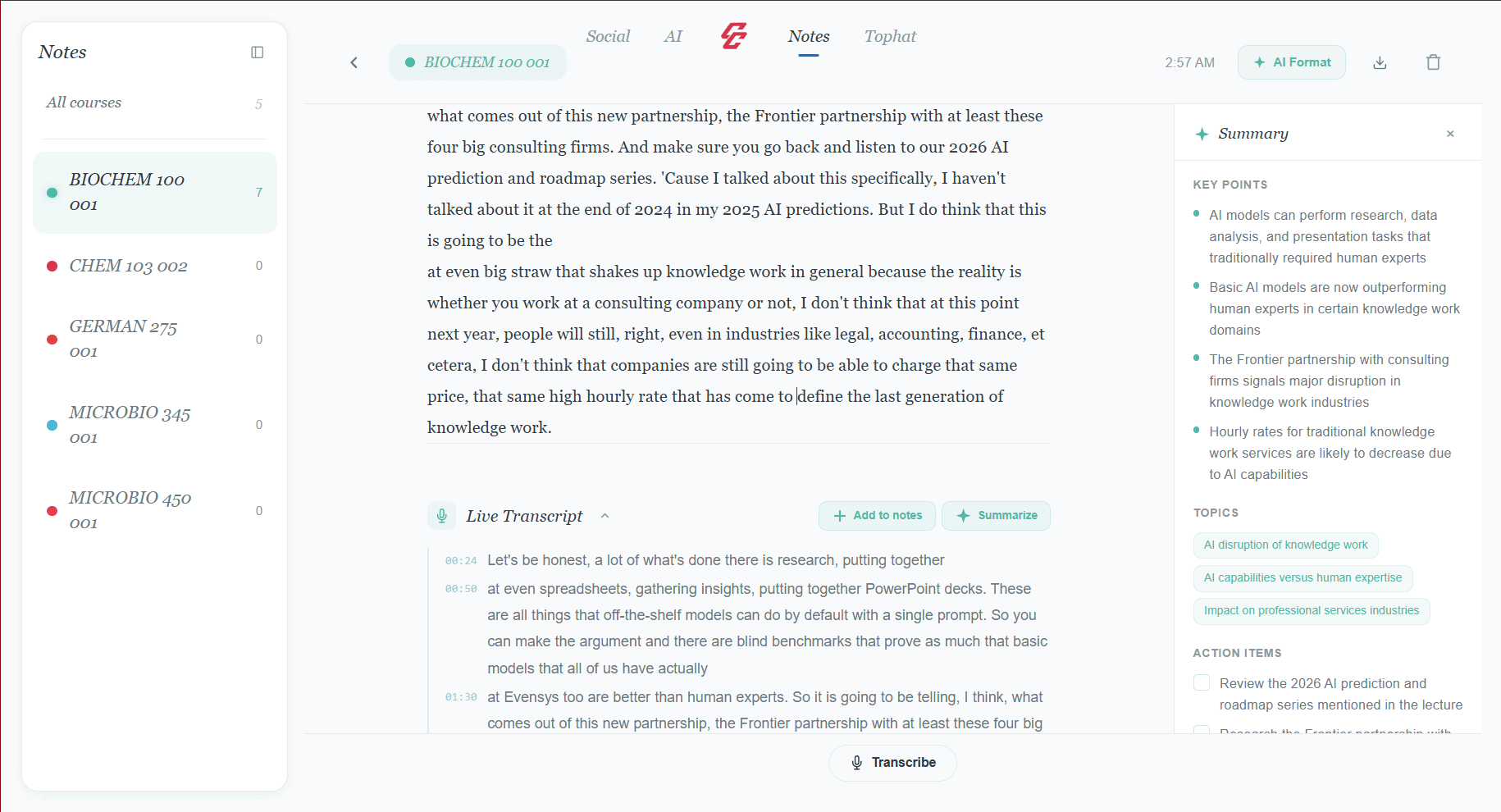
Voice Notes & AI
Record the lecture. We handle the rest.
Hit record and get live voice transcription with AI formatting and auto-summaries. Your notes become searchable study material you can feed back to the AI.
TopHat Integration
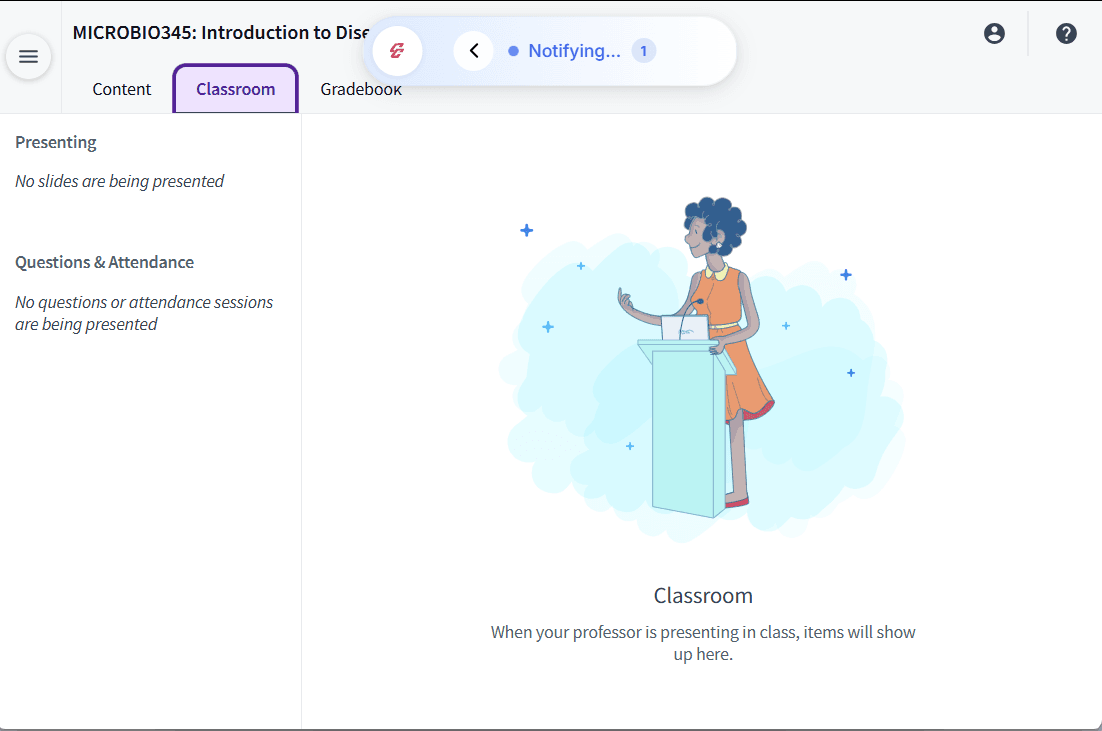
Never miss a TopHat question.
CampusConnect detects when your professor posts a TopHat question and pings you instantly — even if you're in another tab. No more missed participation points.
How It Works
Install it. Open Canvas. Done.
No signups, no configs, no "integration guides."
One click install
Chrome Web Store → Add to Chrome. That's the whole setup.
Open any Canvas page
CampusConnect is already there. Sidebar icon, always visible. Click it.
Everything, instantly
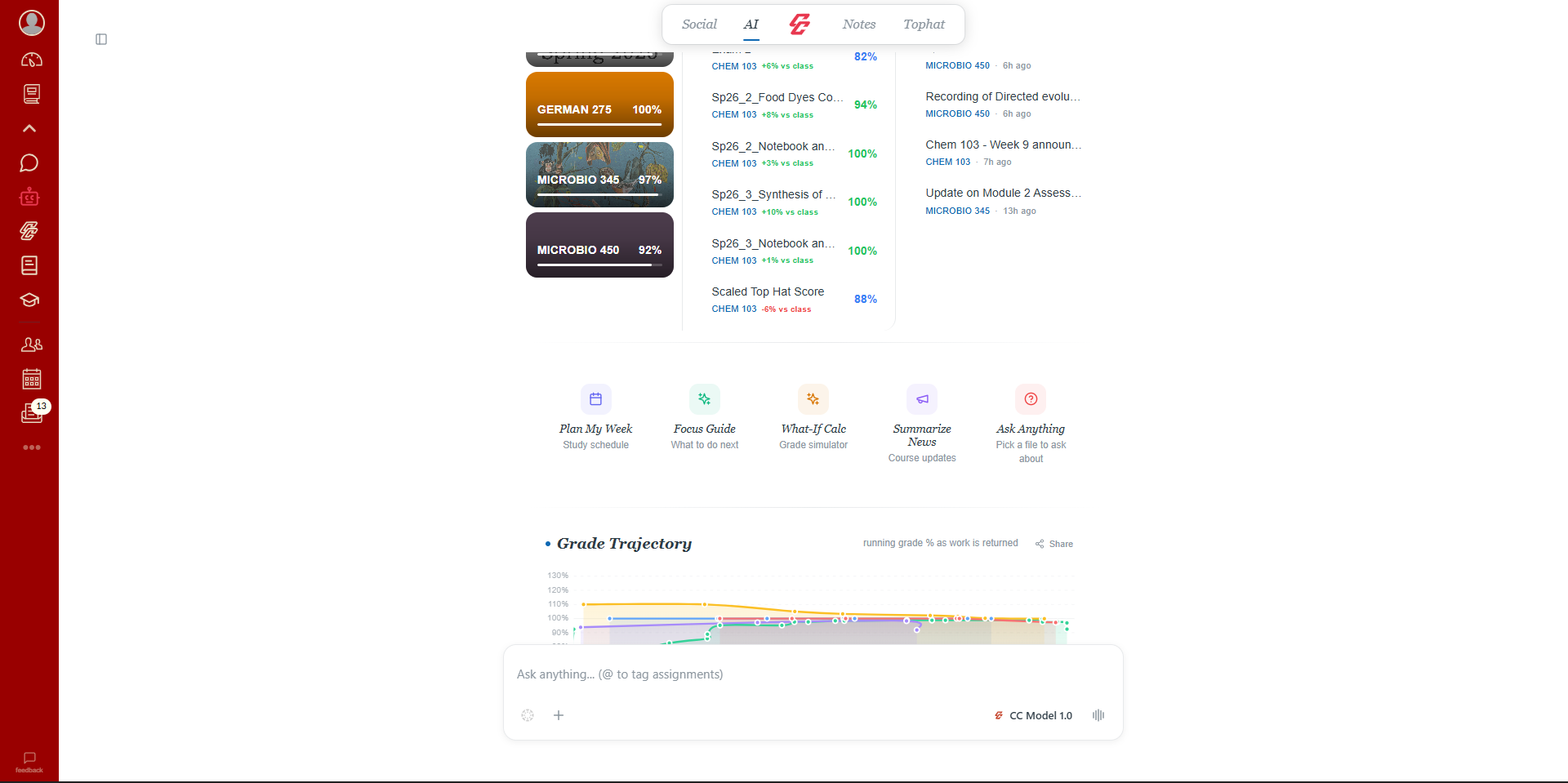
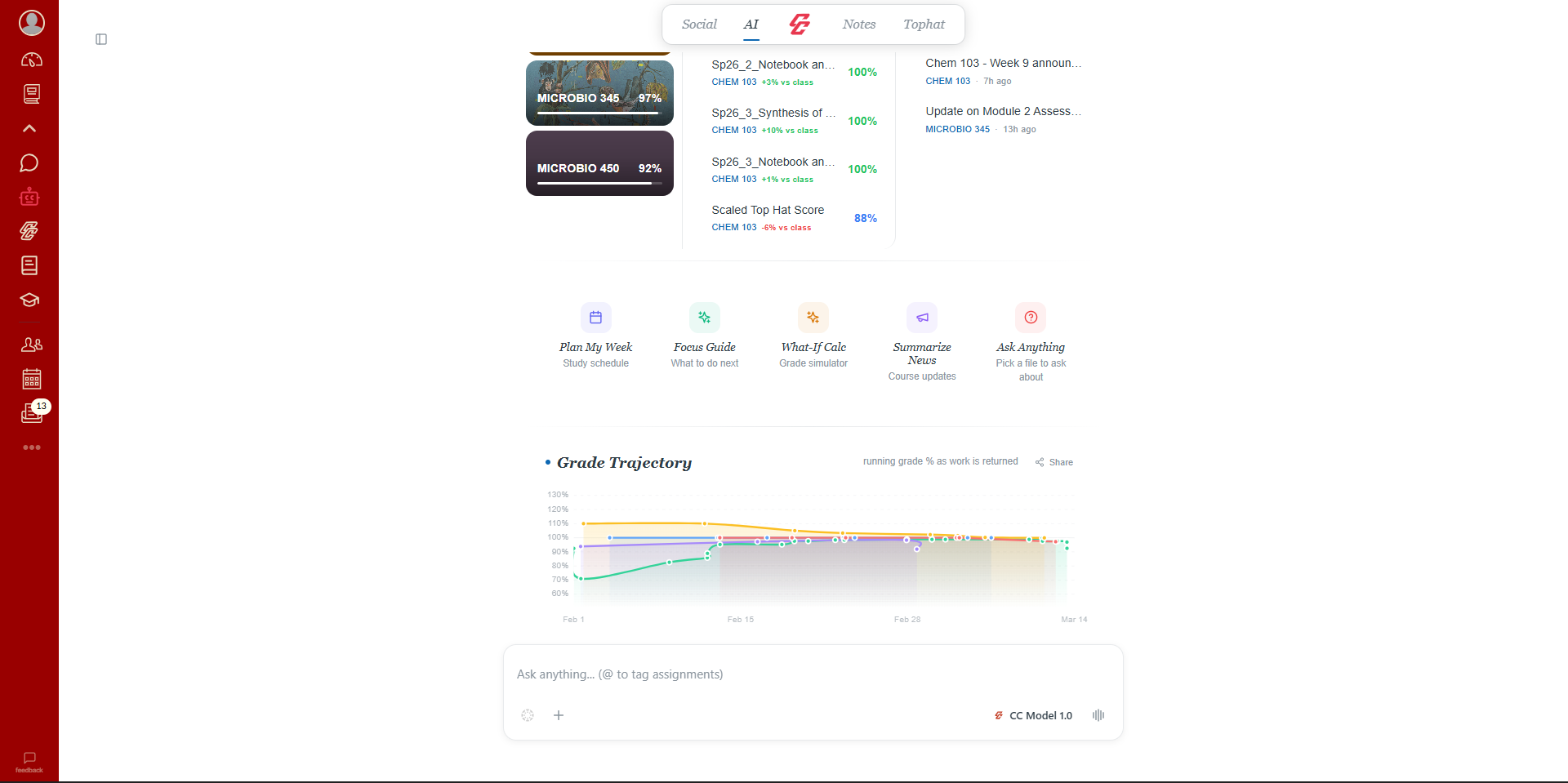
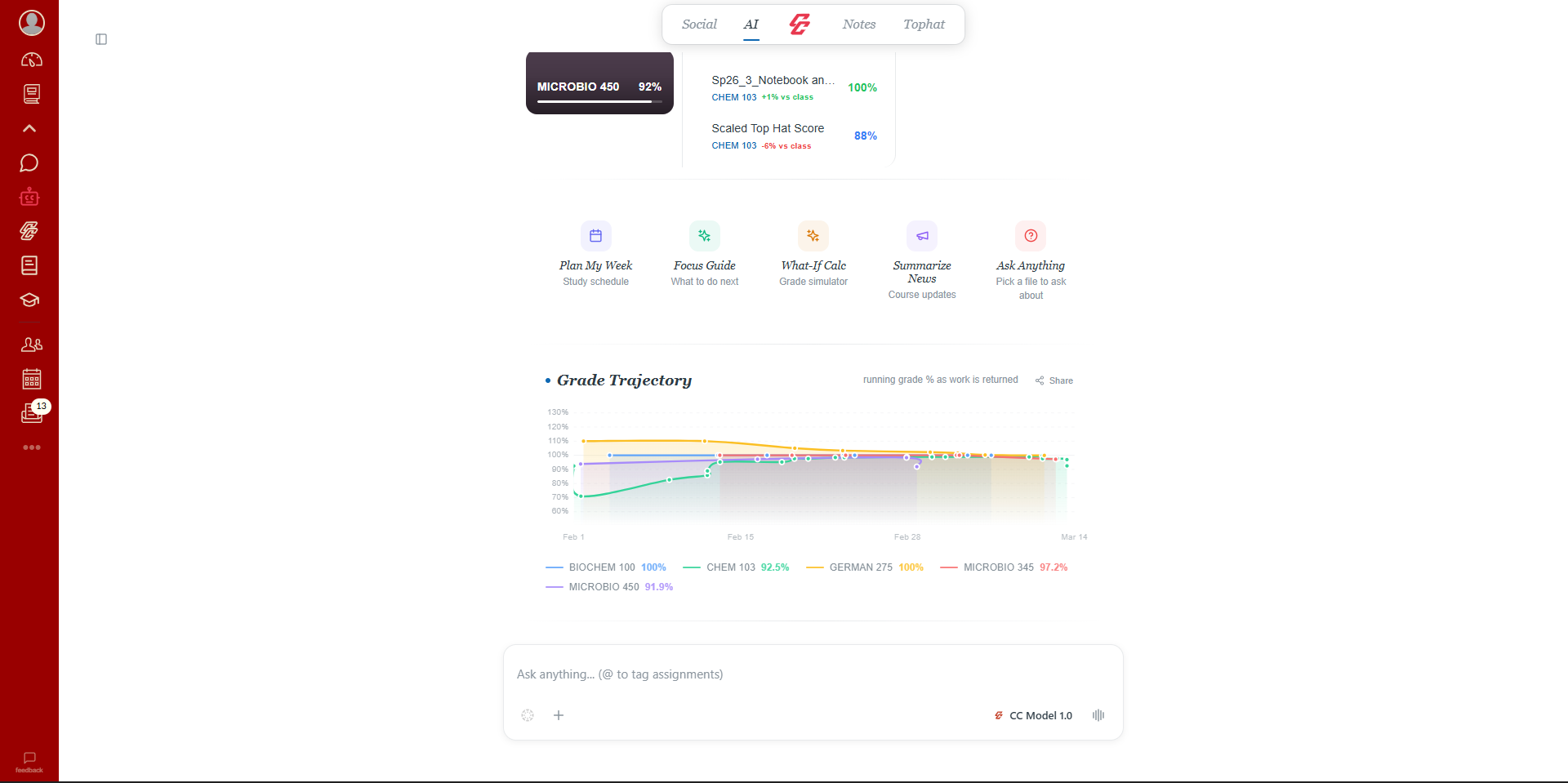
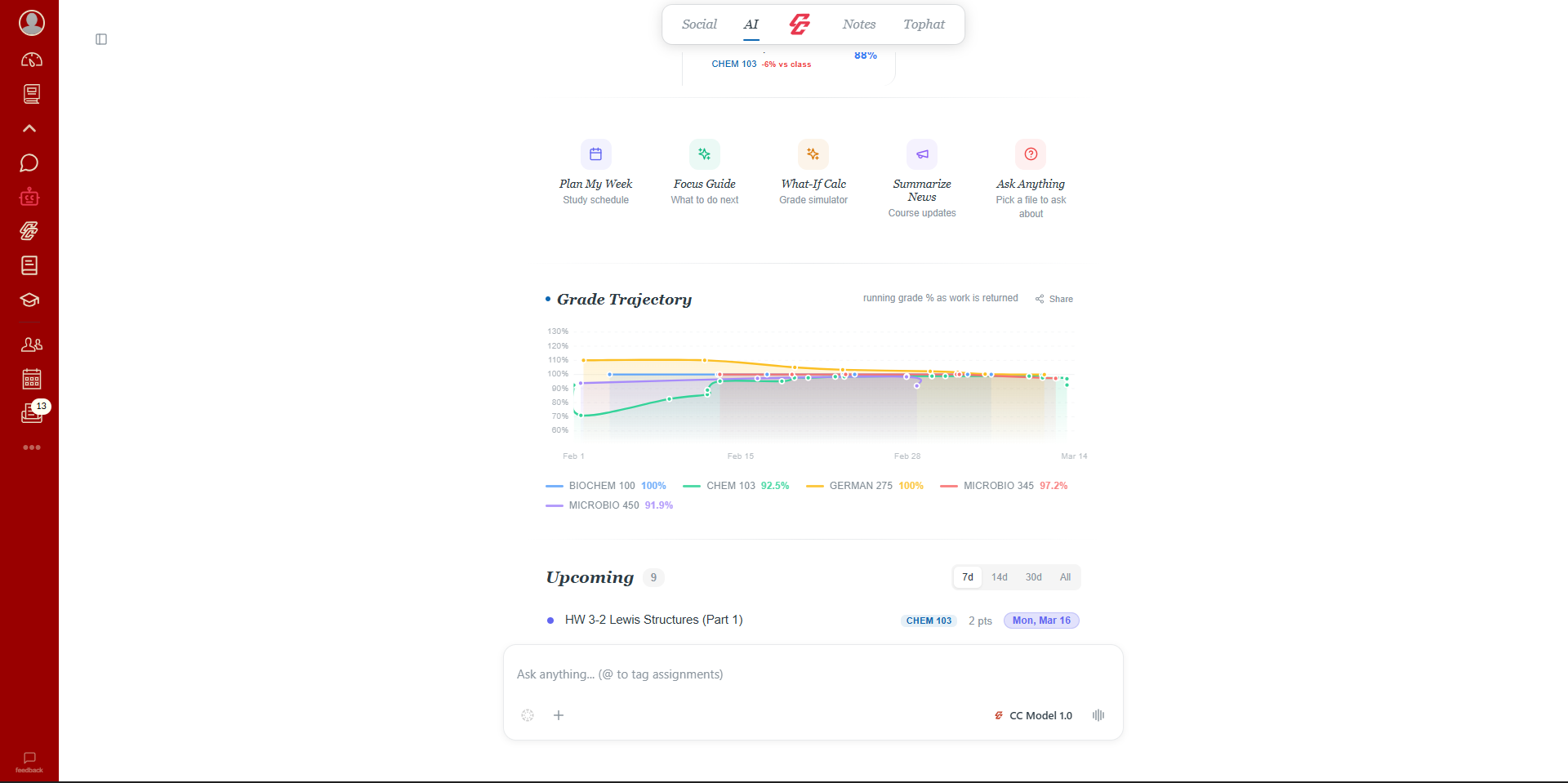
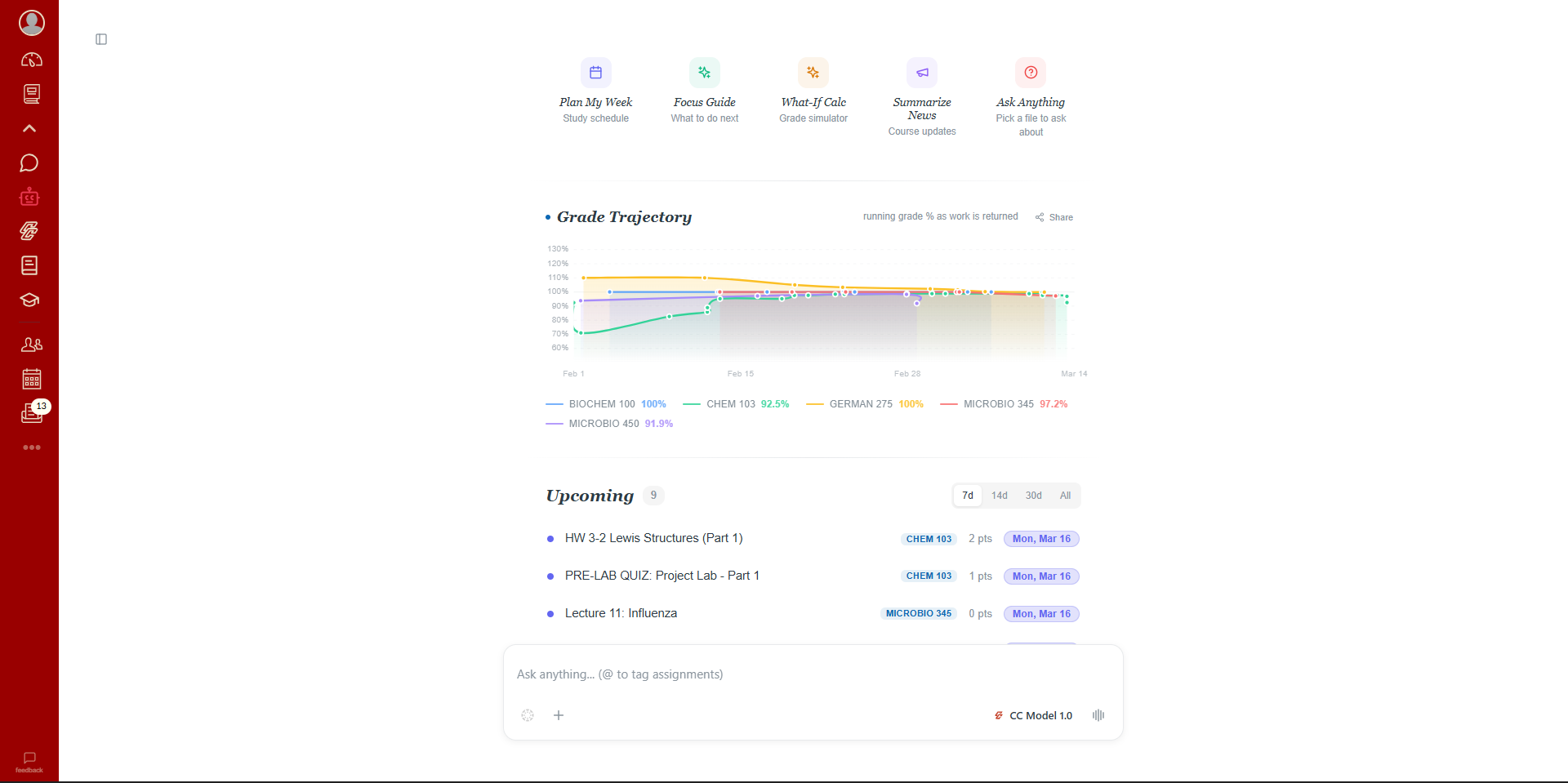
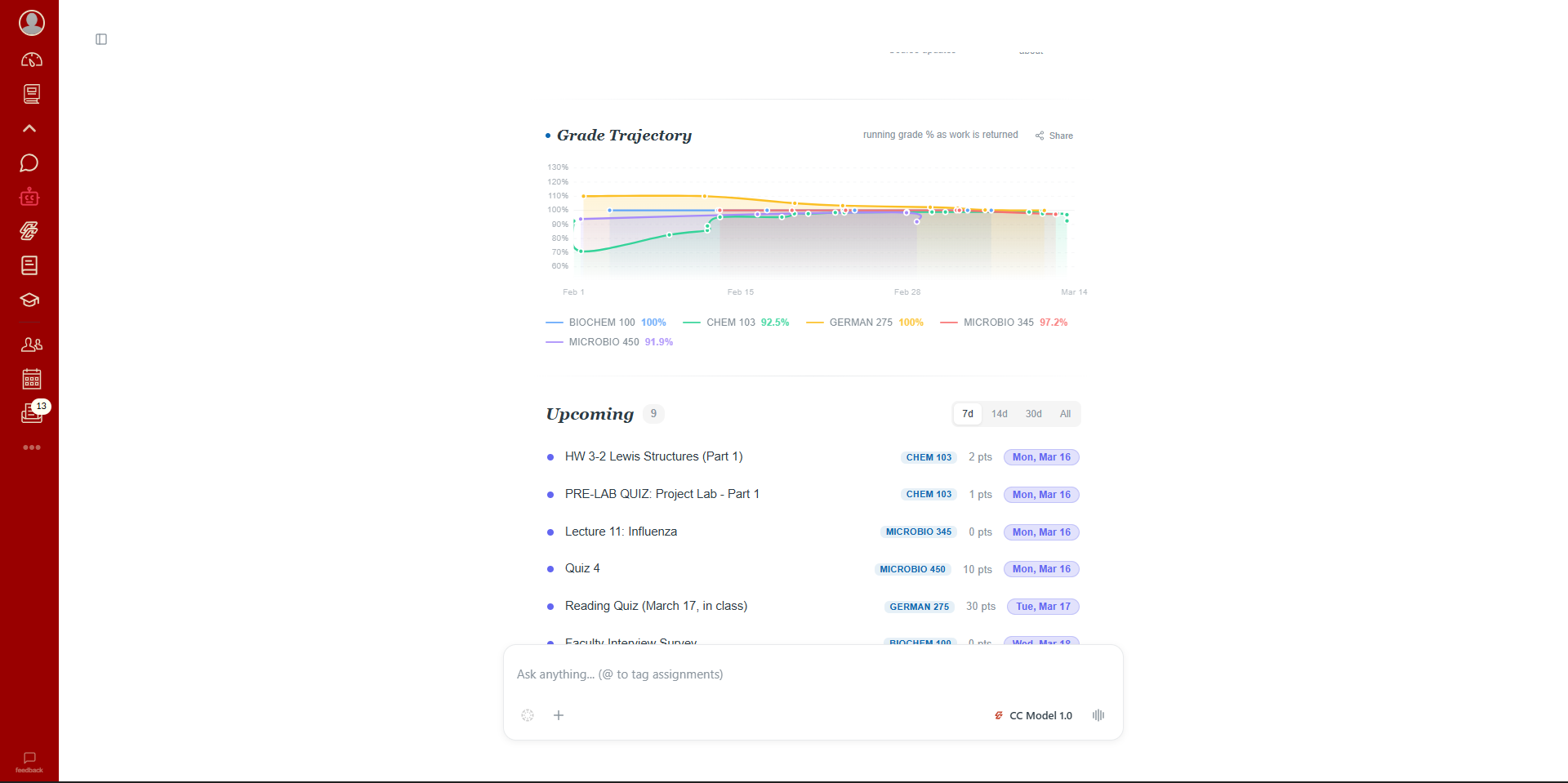
Chat with classmates. Ask @CampusBot about your grades. Track your GPA. All without leaving Canvas.
Demo
See it in action.
Two minutes. Everything CampusConnect can do.
Beyond the Student
Keep everyone in the loop.
Students control what gets shared. Parents and tutors get the visibility they need, without needing Canvas access.
For Parents
Stay informed without being intrusive. Your student shares a link, and you get a clean dashboard with everything that matters.
Grade tracking
See current grades and trends across all courses
Deadline alerts
Get notified before assignments are due
Weekly digest
A summary of what happened this week, sent to your inbox
No Canvas login needed
Everything works through a simple shared link
For Tutors
Walk into every session fully prepared. Your student shares their course context, and you see exactly what they see.
Full course context
Syllabus, assignments, files, and grades for shared courses
AI-powered prep
Generate study materials and review flashcards before sessions
Built-in messaging
Chat directly with your students inside the platform
Student-controlled sharing
Students choose exactly which courses and data to share
Built by students, for students.
Integrated tools
Study assistant
To get started
Pricing
Less than your coffee habit.
Start free. No credit card. Upgrade if you want more firepower.
Cancel anytime. No hidden fees. Built by students, for students.
Questions?
The most common things people ask us.
Yes. Group chat, DMs, study groups, grade dashboard, AI chat, flashcards, and study notes are all free. Pro and Scholar plans unlock higher AI limits, Canvas dark mode, and premium models.
No. CampusConnect is a student-only layer on top of Canvas. Professors and TAs don't have access to the extension, the group chats, DMs, or any of your AI interactions.
Any university that uses Canvas LMS. The extension runs on all Canvas instances across 60+ countries. If your school uses Canvas, CampusConnect works.
A chat room is automatically created for each of your Canvas courses. Every student with the extension sees the same room. No invite links, no setup — just open Canvas and start talking.
No. CampusConnect uses your existing Canvas login. No separate sign-up, no passwords to remember.
No. We never ask for or store your Canvas credentials. The extension uses your existing logged-in session — the same way Canvas itself works.
Generate flashcards, create study notes, answer questions about your assignments and syllabi, analyze PDFs and lecture files, and act as a contextual assistant that understands what Canvas page you're on.
Not yet. CampusConnect works on Chrome and Chromium-based browsers like Edge and Brave.